Where to keep and organize emergency contacts and medical information
A simple system for keeping emergency contacts and medical information in one place, with family access, a paper backup, and details kept current.

Contents
- Pick one main storage location
- Build a medical information summary sheet
- Keep a copy that works without power
- Questions about emergency information storage
- How do I keep emergency contacts accessible to family members?
- What is digital emergency document storage and what should it hold?
- Can I put all emergency information in one place?
- When should I update medical information for the family?
Where to keep emergency contacts and medical information is a storage decision you make once and then keep current: choose one home base for the details, one way for family to reach it, and one backup that works without power. The goal is emergency access to family information in seconds, not a search through drawers. A calm emergency information system puts contacts, allergies, medications and key documents where the people who need them can find them.
Pick one main storage location
A single storage location answers the question of where to keep important emergency info, because one place is easier to remember than several. Use a labeled folder or binder at home for paper copies, plus a shared digital folder for the same files. Keep the two in the same order so anyone can move between them quickly. The system only works if the family agrees on that one location and returns papers to it.
Build a medical information summary sheet
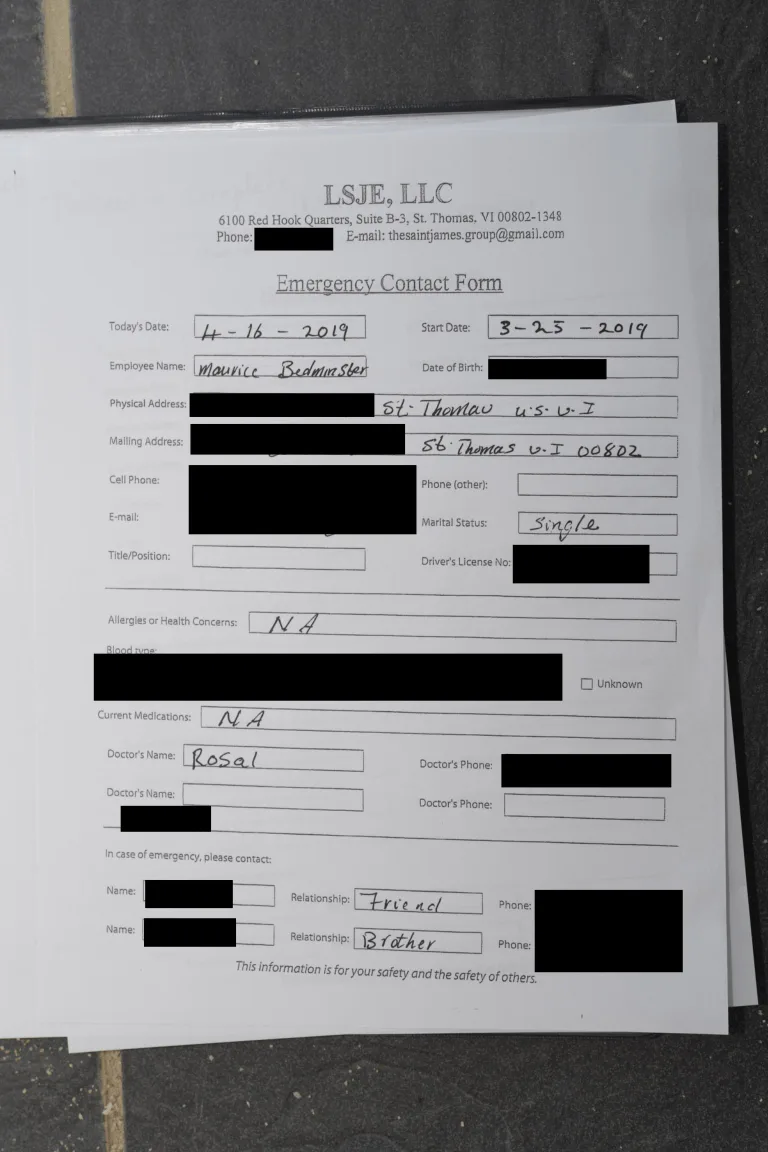
A medical information summary sheet is the page anyone should reach first in an emergency. List conditions, medications and dosages, allergies, past reactions, blood type and the names of doctors and specialists. Add an emergency medical card in a wallet or bag for the same core details. Update the summary sheet whenever a prescription or diagnosis changes, and date the top of the page.
Keep a copy that works without power
Emergency access to family information should not depend on a charged phone or a working network. Print the contacts list, the medical summary and the medication and allergy list, then store them in a sealed envelope in a known place at home. Give a second copy to a trusted relative or neighbor outside the household. Paper versions also help when a caregiver or visiting nurse needs details at the door.
Questions about emergency information storage
How do I keep emergency contacts accessible to family members?
Emergency contacts stay accessible when every adult in the household knows the storage location and can open it without help. Share the digital folder with each family member and show them the paper folder once. Tell a trusted person outside the home where the copies are kept. Review access after anyone moves in or out.
What is digital emergency document storage and what should it hold?
Digital emergency document storage is a shared online folder holding scans of the same papers kept at home. Store the medical information summary, the medication and allergy list, insurance cards and identification there. Name files by person and document type so they are easy to find. Check that the folder opens on a phone, since that is what someone will grab.
Can I put all emergency information in one place?
Yes, and one place is the point of the system, as long as a paper backup exists. Keep the master digital folder as the source, then refresh the printed copies after every change. Record the date on each printed page so an old version is easy to spot. Someone checking the folder later can tell at a glance whether the details are current.
When should I update medical information for the family?
Medical information needs updating whenever a medication, dosage, allergy or diagnosis changes, and at each routine checkup. Add new emergency contacts as soon as a phone number or address changes. Replace the paper copies at the same time so they match the digital folder. A dated summary sheet shows helpers that the details were checked recently.
Read next
-
 Frequently asked emergency preparedness questions
-
 Free emergency plan templates
-
 Getting started with emergency preparedness
-
 Fire extinguisher classes and types explained
-
 Emergency medical information form
-
 Emergency plan manual
-
 Organize household emergency readiness reminders
-
 Emergency kit battery maintenance
-
 Emergency kit design ideas
-
 Emergency water storage calculators